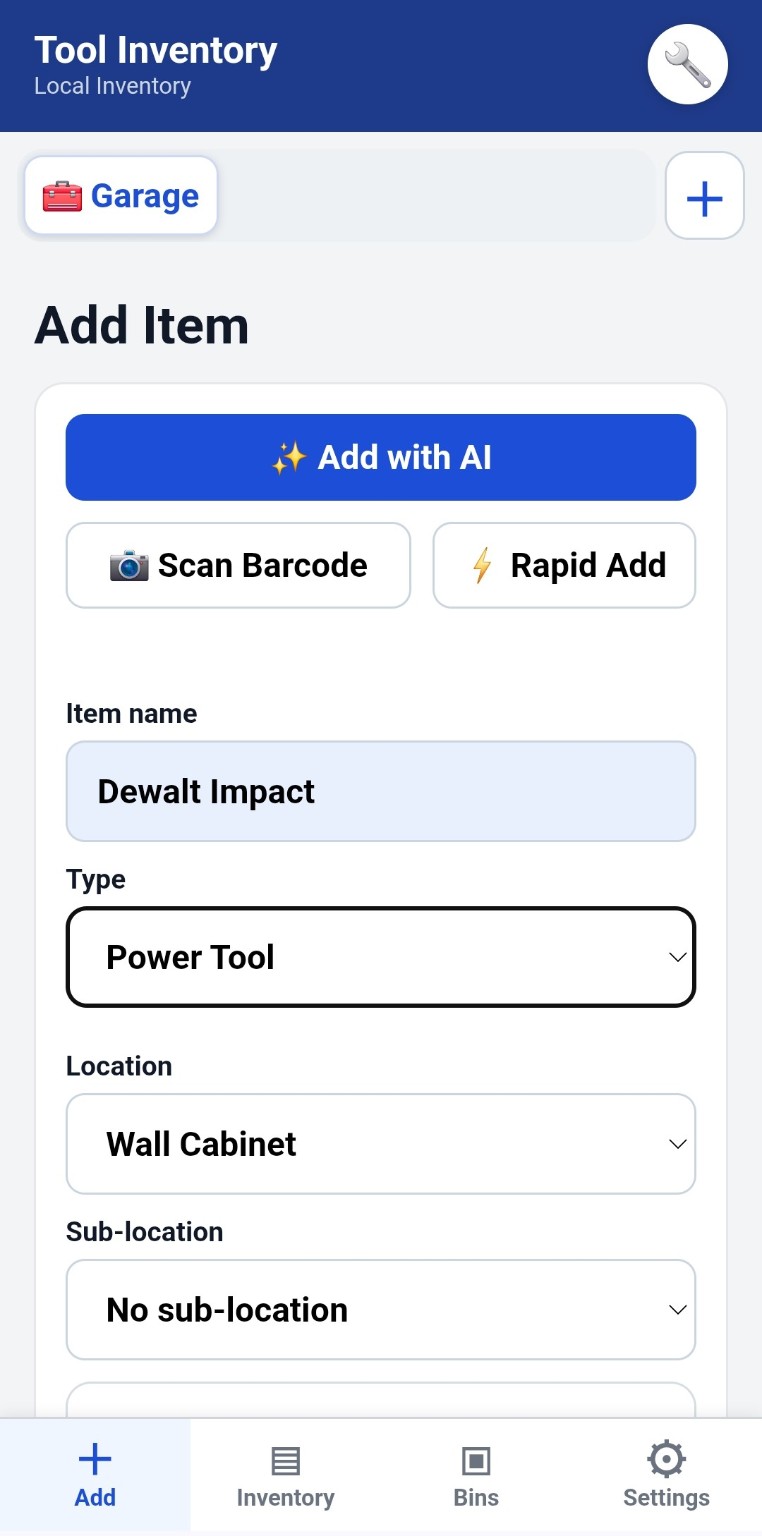
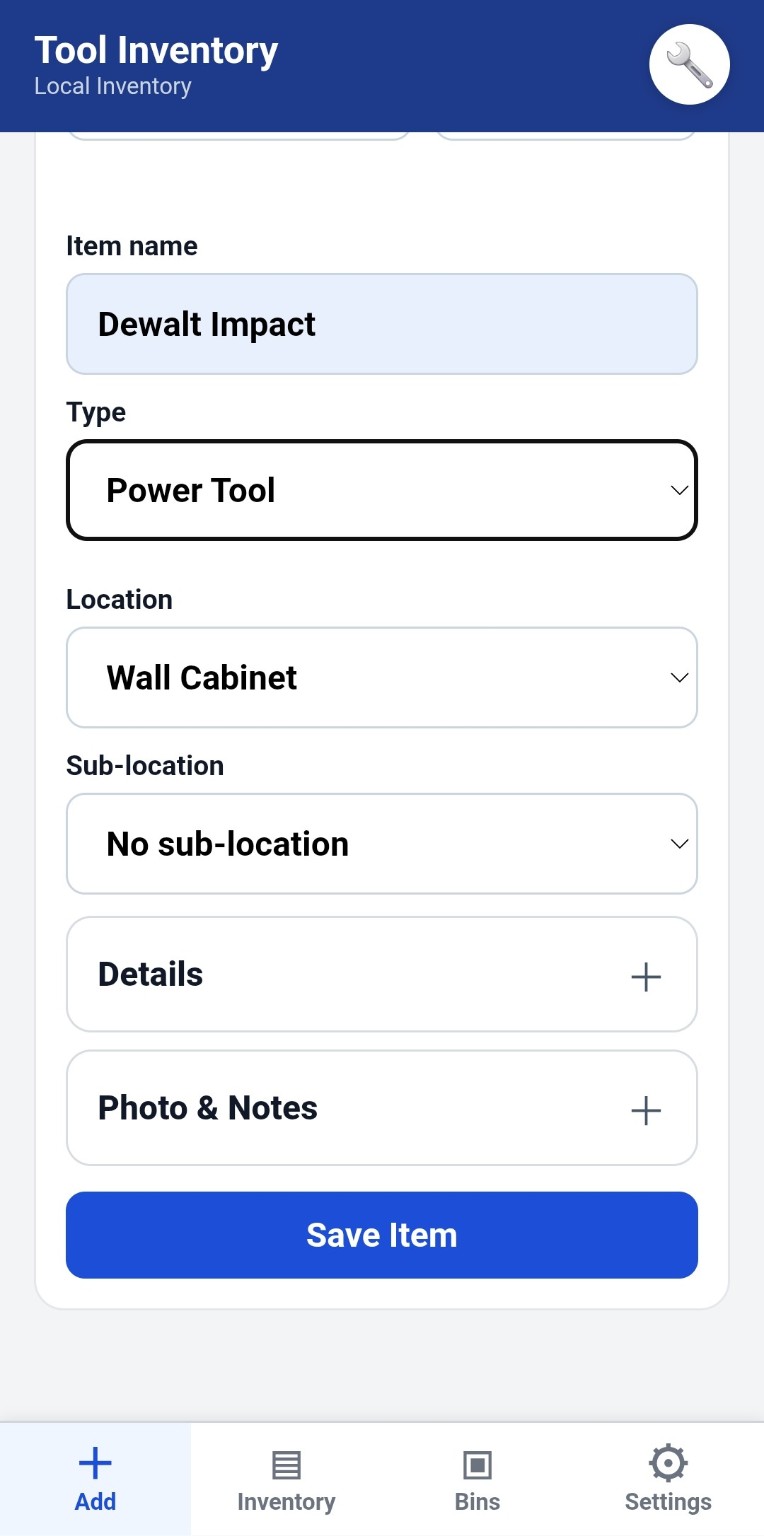
Add Item
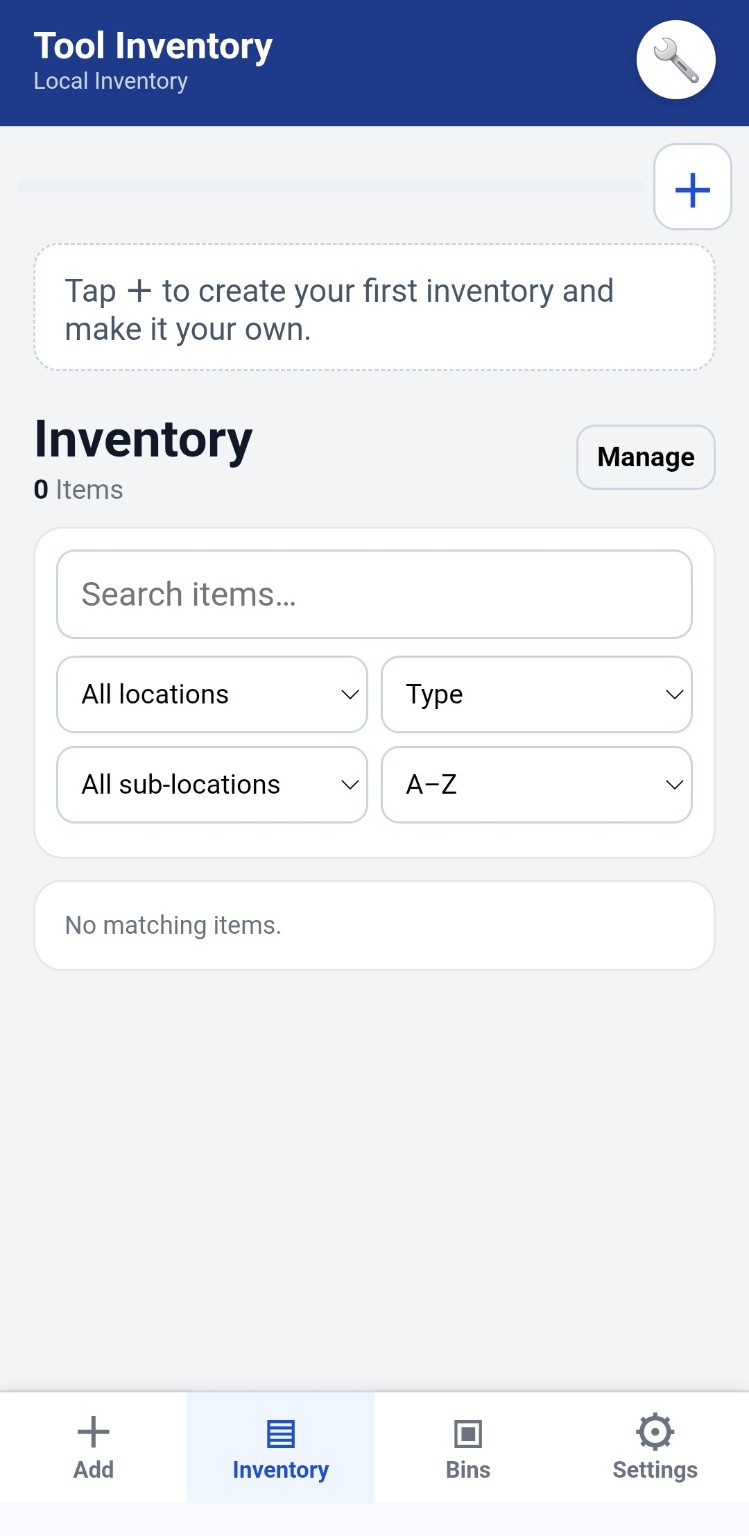
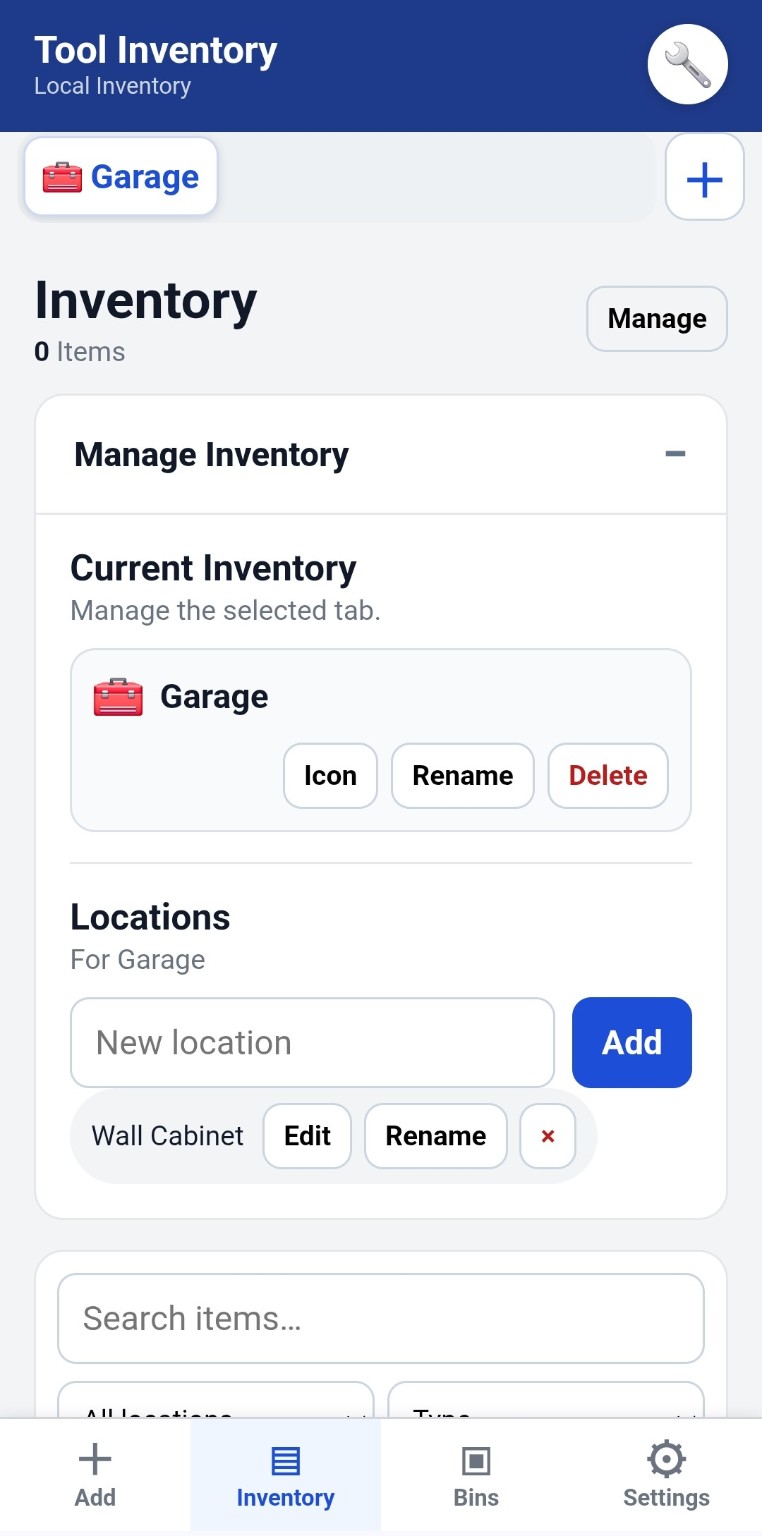
Inventory
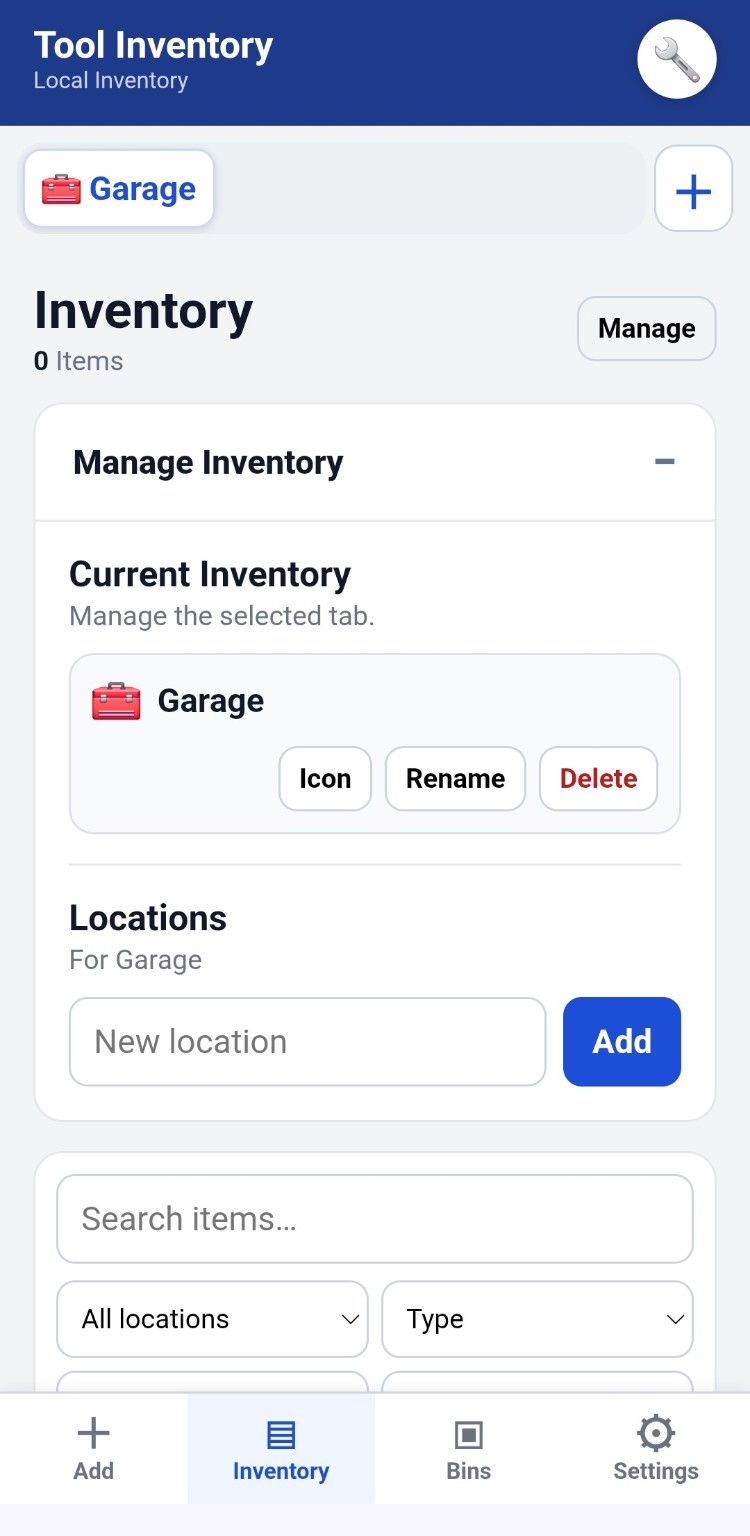
Manage Inventory
Current Inventory
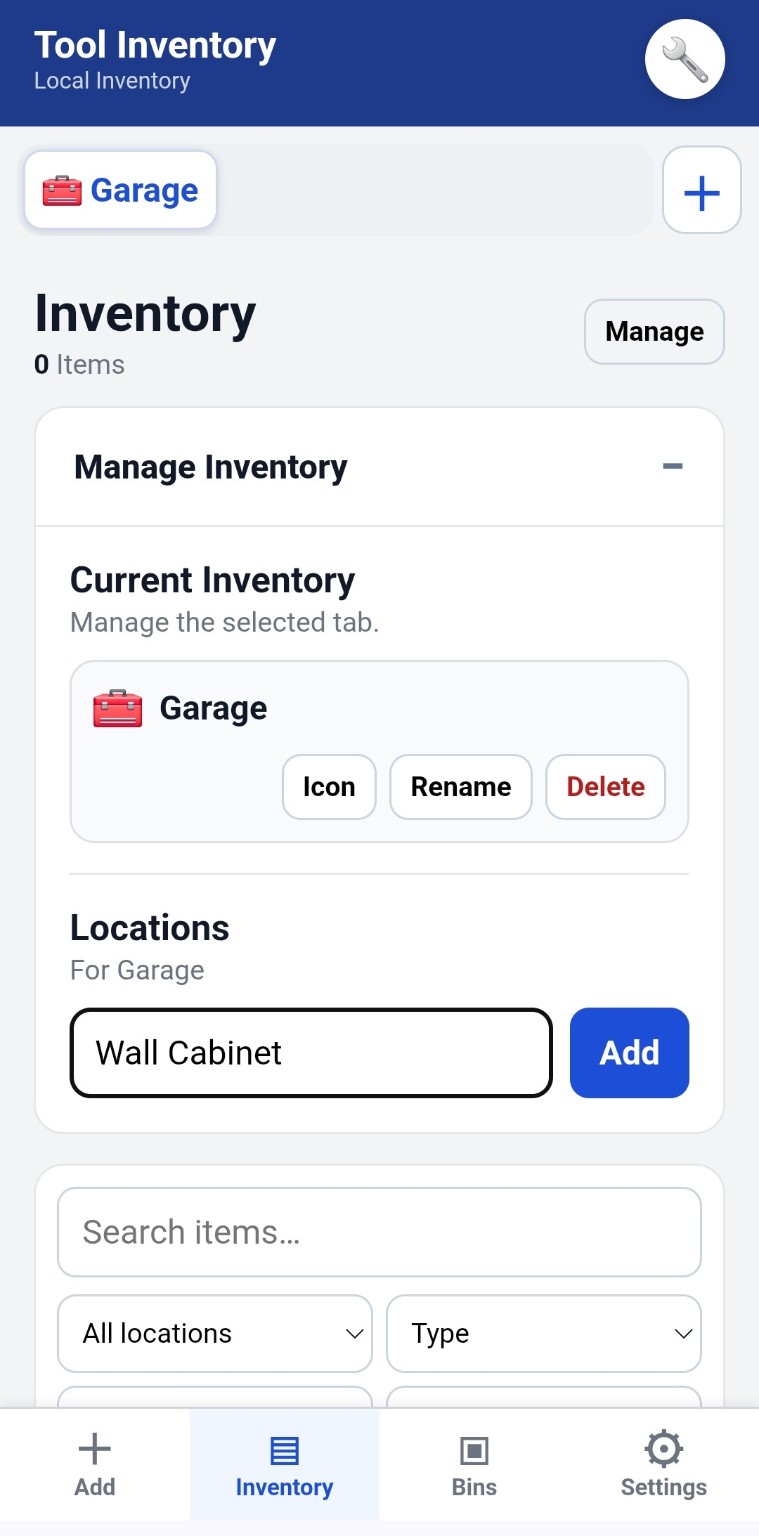
Manage the selected tab.Locations
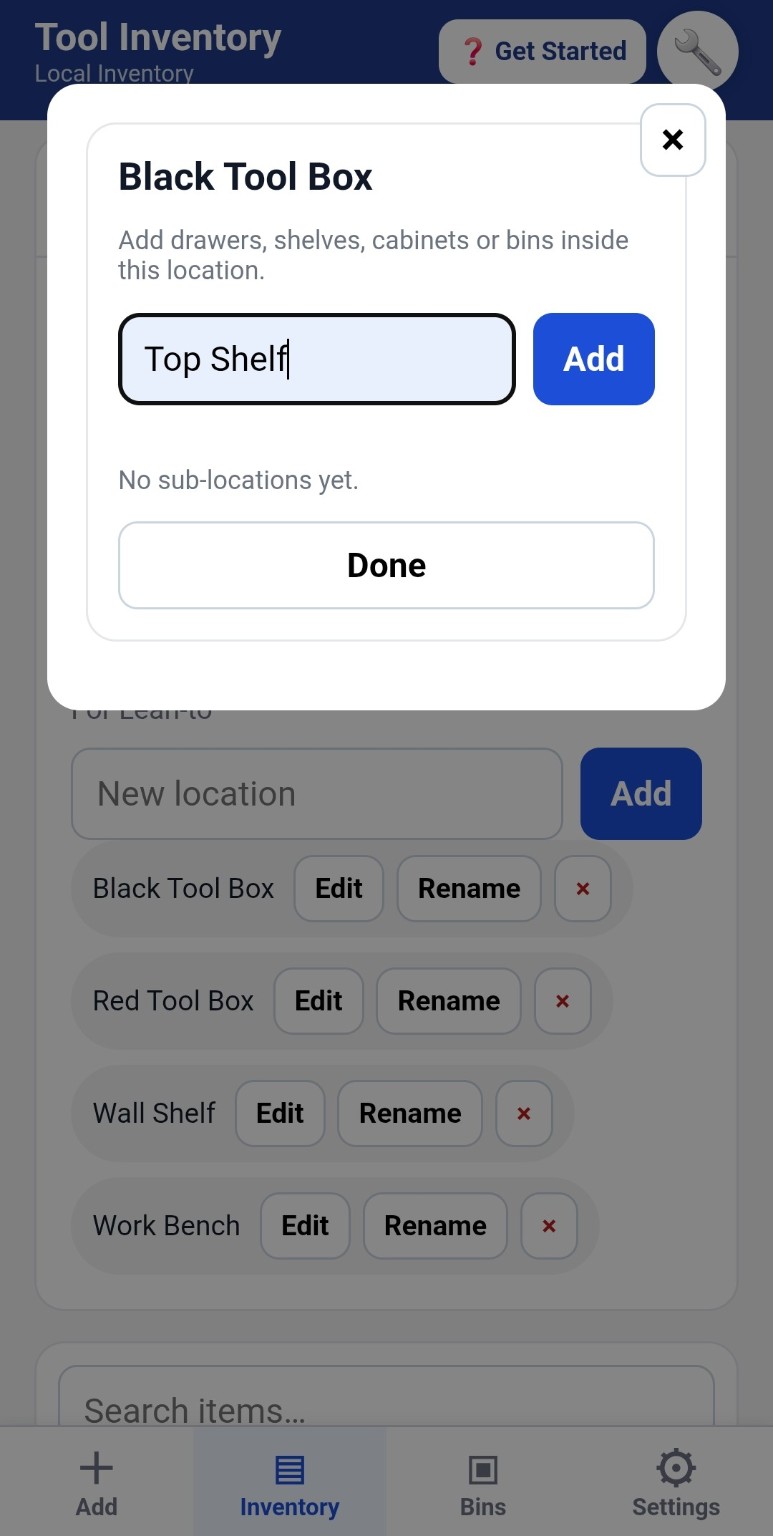
For this inventorySub-locations & Bins
Create a Sub-location / Bin
Settings
Install Tool Inventory
Add it to your phone for quick, full-screen access.
Inventory Name
Make this inventory your own, for example “Matt's Tools” and “Garage & Shop”.
Appearance
Choose an app color scheme. This only changes the look — your layout and inventory stay the same.
Share App
Send Tool Inventory to someone by text, Messenger, email, or any other sharing app.
Send Feedback
Found a bug or have an idea that would make Tool Inventory better?
☁️ Cloud Backup Ready
Keep a recovery copy of your inventory in your Tool Inventory account. Your local inventory remains on this device unless you choose Restore from Cloud.
No backup history loaded yet.
Backup, Export & Reports
Local storage remains your main copy. Cloud Backup gives you a separate recovery copy when signed in.
Excel export creates a Summary sheet plus a separate sheet for each inventory.
About & Legal
Tool Inventory
A simple tool, bin and location inventory app.
Version 3.29.12
Accounts: Create an account, confirm your email, sign in, sign out, or reset your password. Cloud Backup can store a recovery copy while your device remains the primary local copy.
Privacy: anonymous usage analytics may be collected to improve Tool Inventory. Inventory contents, item names, serial numbers, notes, photos, barcodes and locations are not sent as analytics.
© 2026 Matthew Campbell. All rights reserved.
The Tool Inventory software, source code, interface, graphics and original content are protected by copyright. Unauthorized copying, redistribution, resale or publication of the software or source code is prohibited.
📊 Admin Analytics
Private usage dashboard. Enter the admin PIN to view anonymous app analytics.
Checking this device…